

There is a specific kind of frustration that only hits people who have been streaming for a couple of years. The stream looks fine. The audio is acceptable. But you are still alt-tabbing mid-match to mute a scene, your camera clips because it is mounted to a monitor that wobbles, and every time you move the mic the desk thump goes straight into the broadcast. The bottleneck is no longer gear quality. It is friction.
Everything below is chosen for that reader — someone with a working PC setup who wants fewer moving parts and better output, not a starter kit. Each entry includes a sensible-money option and a buy-once option, because the honest answer is that some of these upgrades are worth spending real money on and some genuinely are not.
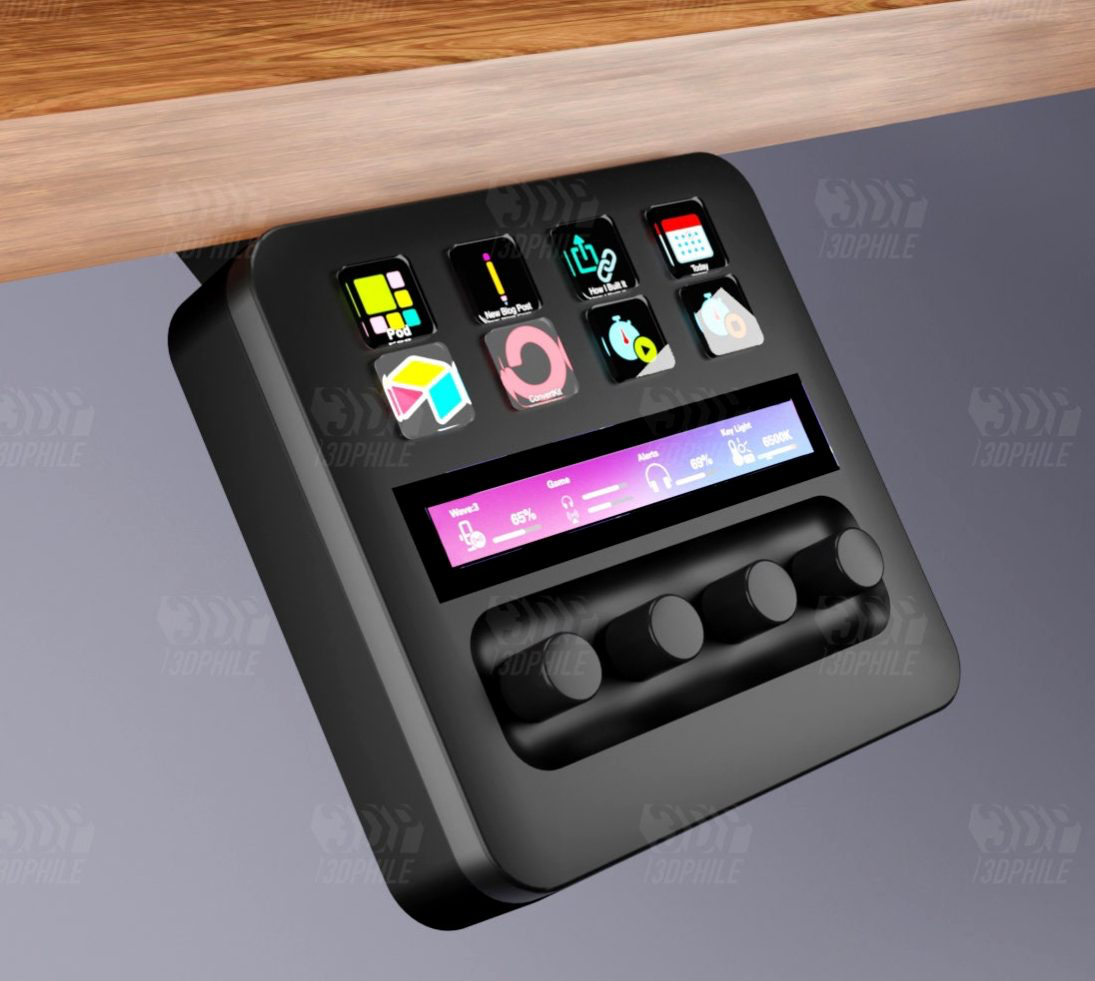
The Stream Deck is the single accessory that changes how a stream feels to operate rather than how it looks. Fifteen LCD keys on the MK.2, each one a scene switch, a mute toggle, a replay trigger, a chat command, a sound cue. The real payoff is not the first week when you map obvious things. It is month six, when you have built multi-action chains that start the stream, set the scene, dim the key light, open the chat overlay and post the go-live notice in one press. If you run OBS with more than four scenes, operating it from keyboard shortcuts is a tax you have been paying without noticing.
The Stream Deck + is the version worth the step up if your friction is audio. Four dials under the touch strip handle game, chat, music and mic levels as physical knobs, which means mid-session adjustment stops being a mouse journey into Windows mixer hell. That alone justifies the price gap for anyone who plays with voice chat and music running. The MK.2 at the lower end is still the sweet spot for most people — the keys are the part you use constantly, the dials are a luxury. The Mini exists and is fine, but six keys fills up fast and you will resent it. One warning worth stating plainly: the software wants plugins for everything, and an unmanaged Stream Deck profile becomes as messy as the workflow it replaced. Spend an evening organising folders properly and it pays back for years.
$79 – $199
Check current price:
Most upgrade paths get microphones backwards. People spend more on sensitivity when what a home office actually needs is rejection — a dynamic capsule with a tight pattern that ignores the mechanical keyboard, the PC fans and the neighbour’s dog. The Rode PodMic USB is the pragmatic answer at the lower end of this ladder. It is a broadcast dynamic with both USB-C and XLR outputs, onboard DSP with a compressor and high-pass filter, and enough internal gain that you do not need a separate preamp. Plug it in, roll off the low end, and your voice sits in front of the game audio instead of swimming behind it.
The Shure SM7dB is the splurge, and it earns the label honestly. It is the SM7B everyone already knows, with an active preamp built into the body, which solves the one genuine problem that microphone had: it needed roughly 60dB of clean gain and most interfaces could not supply it without hiss. Flip the switch for +18dB or +28dB and a modest interface drives it comfortably. The sound is warm, close and forgiving of imperfect rooms, which is why it has been on podcast desks for twenty years. It is also heavy, needs a serious boom arm, and rewards speaking within a fist’s distance — step back and it goes thin immediately. If your current mic is a condenser and your stream picks up keyboard clatter, this is the change people will actually comment on.
$199 – $499
Check current price:
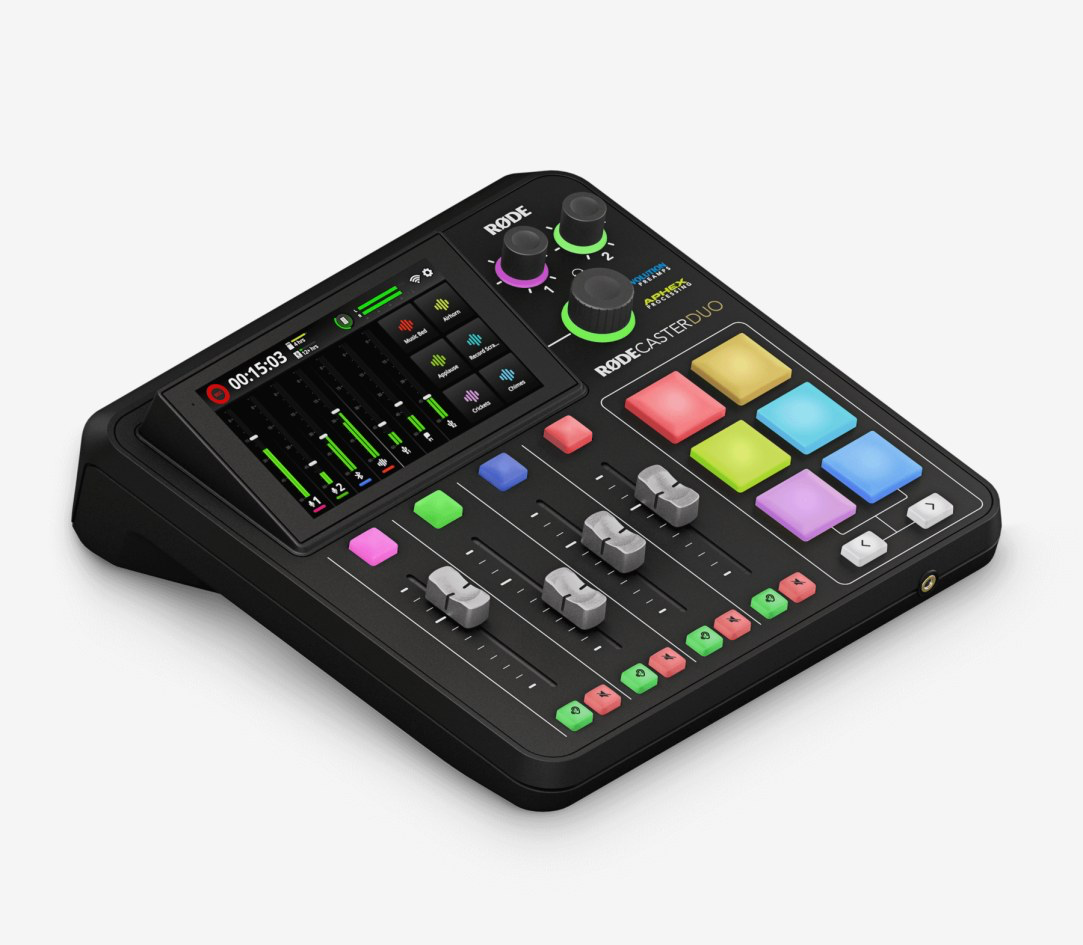
Here is where established creators quietly lose hours. Separate audio sources — game, Discord, browser, music, mic — all need independent routing so your VOD does not get muted for a licensed track and your co-host is not buried under explosions. Doing this in software is possible. Doing it in software while also playing competently is not. A dedicated streaming interface moves those decisions onto faders you can hit without looking.
The GoXLR Mini remains the value option: four motorised-feel faders, a decent mic preamp with compression and gate, a mute-to-nothing button for coughs, and genuinely useful multi-channel routing to OBS. It is older hardware now and the software has quirks, but nothing at the price does the same job. The Rodecaster Duo is the serious end — a proper two-channel broadcast console with Rode’s NEO DSP, touchscreen, smart pads for stingers, Bluetooth and USB-C inputs for phone or second PC, and the ability to record multitrack to an SD card while you stream. That multitrack backup is the sleeper feature. When your mic clips during the best thirty seconds of the night, having a clean isolated local recording of it is the difference between a clip and a shrug. The Duo is overkill if you stream solo with no guests and no music beds. If you host, co-stream or cut podcast episodes out of your broadcasts, it collapses three devices into one and removes a whole category of routing problems permanently.
$149 – $699
Check current price:
Webcams have improved and the Logitech MX Brio is the honest proof. 4K sensor, noticeably better low-light handling than the old C920 era, a physical privacy shutter and a mount that does not sag by hour three. For a creator who streams in a decently lit room and wants the camera to be a solved problem, it is enough. There is no sensible argument for paying mirrorless money if your facecam sits at 300 by 300 pixels in the corner of a gameplay layout.
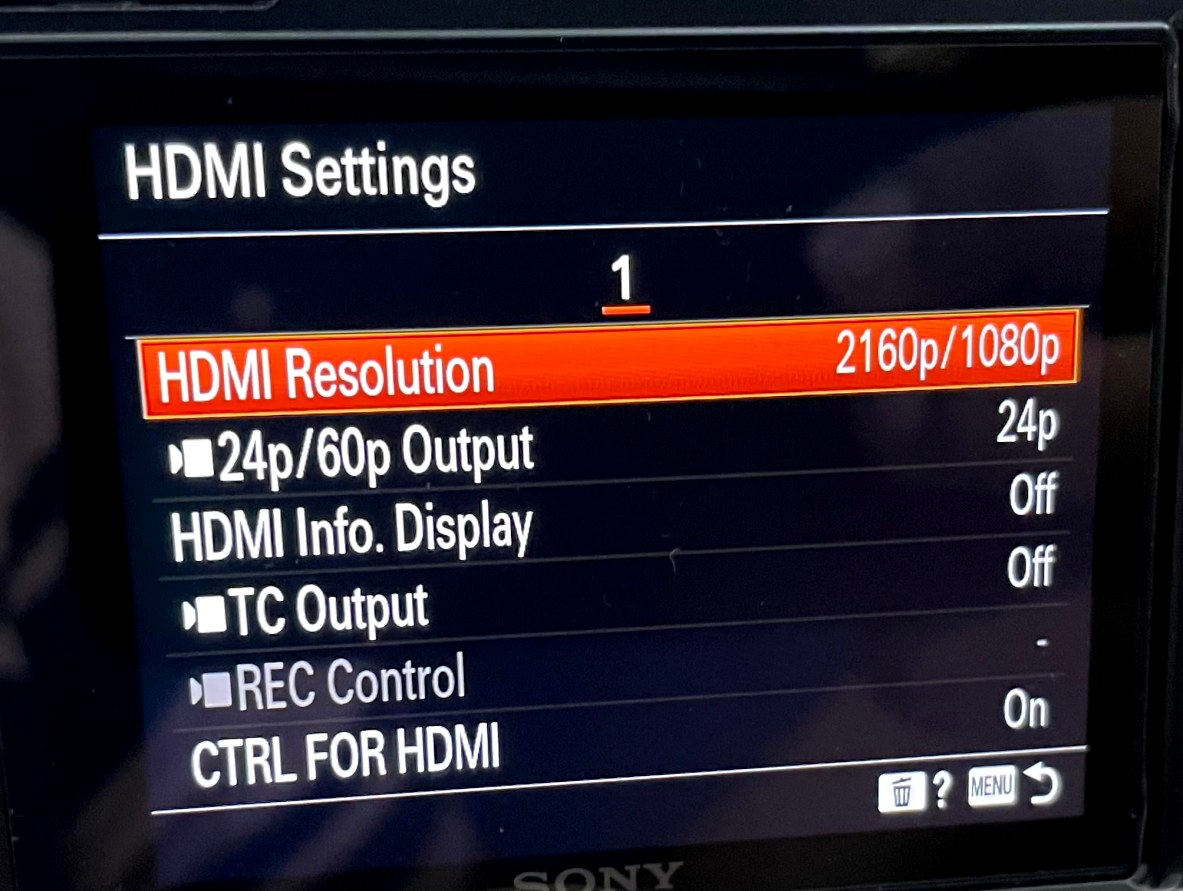
But if your camera is large on screen — just chatting, reaction content, face-forward commentary — the gap is enormous and it is mostly about the lens, not the sensor. A Sony ZV-E10 II or a used a6400 with a fast prime gives you genuine background separation, skin tones that do not go waxy, and the ability to shoot in a dim room without the image turning to porridge. Feed it into the PC with an Elgato Cam Link 4K over clean HDMI and OBS sees it as a plain capture device. Budget for a dummy battery and a sturdy desk arm or you will spend your life swapping cells and nudging the framing. The setup cost is real: body, lens, capture, power, mount. The result is that your stream stops looking like a video call and starts looking like a production, which matters most for exactly the kind of creator who has already optimised everything else.
$199 – $1,100
Check current price:
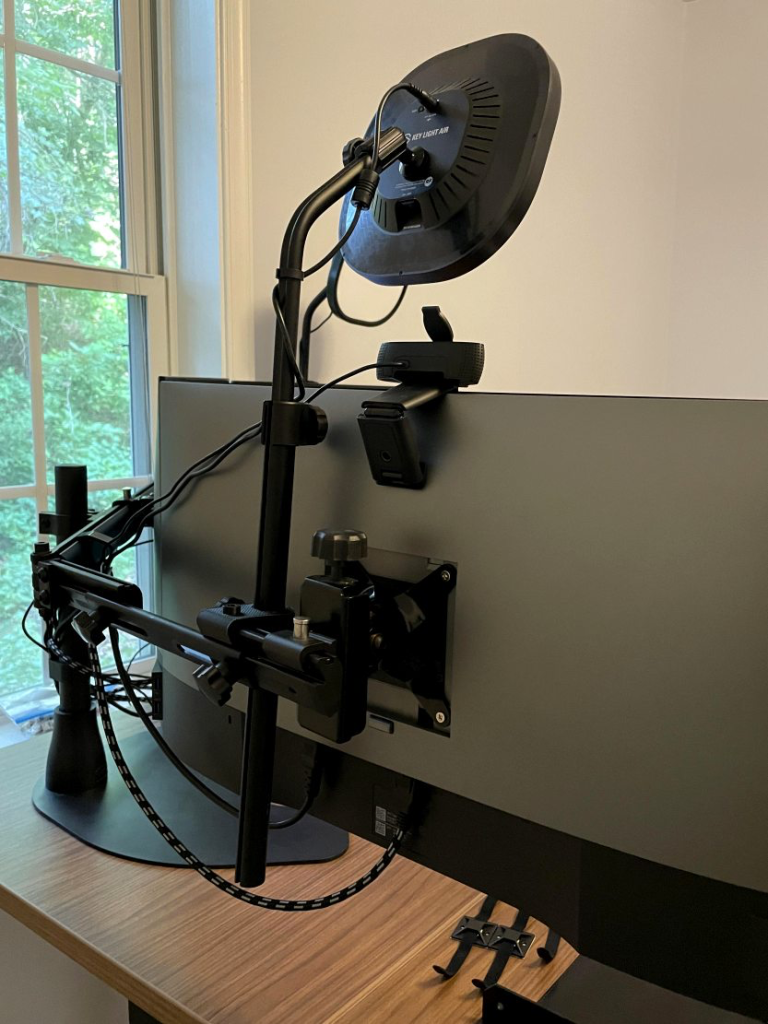
Lighting is the cheapest quality jump available and the one most experienced streamers still underinvest in. A good camera in bad light looks worse than a webcam in good light, every time. The Elgato Key Light Air is the obvious workflow pick because it is network-controlled: brightness and colour temperature adjust from the Stream Deck or the desktop app, so you can dim for a horror game and brighten for a face-cam segment without leaving your chair. Mounted on the included desk clamp, it floats above the monitor line and stays out of the shot. Two of them, one key and one fill at lower power, is a setup that holds up on camera for years.
If you want more output and more control over quality, Amaran’s 60x S is the step across into actual photography lighting. Bi-colour, far brighter than any panel designed for desks, Bluetooth app control, and a Bowens mount that accepts softboxes and lantern modifiers. Through a 60cm softbox the light wraps rather than flattens, which is the difference between looking lit and looking interrogated. The tradeoffs are honest: it needs a light stand, it takes up floor space, and it is not integrated into your stream controls the way the Elgato ecosystem is. The decision usually comes down to room. Small space, monitor-mounted, everything automated — Key Light Air. Dedicated corner where a stand can live permanently and the image quality matters more than the convenience — the Amaran.
$129 – $349
Check current price:
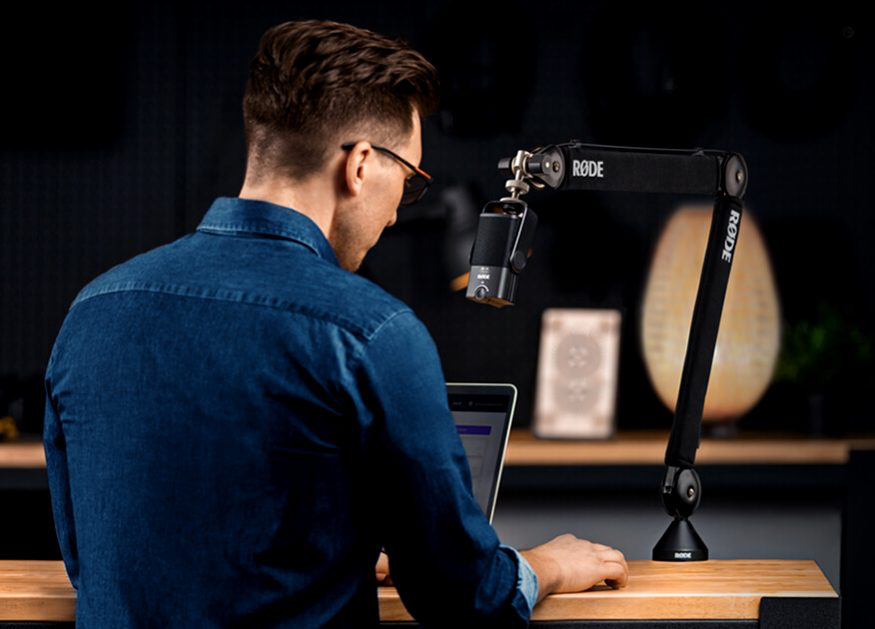
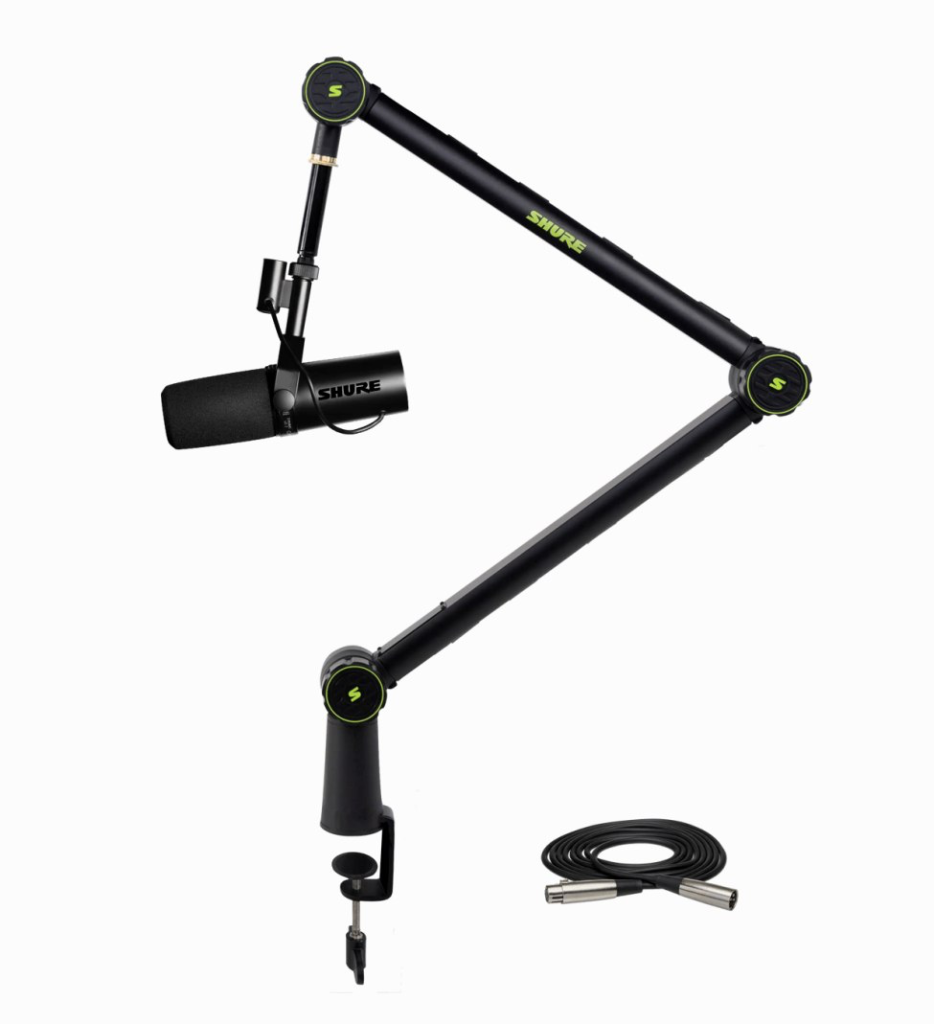
Nobody puts a boom arm on a best-of list, which is exactly why half of all otherwise-good setups have a microphone that transmits every keystroke straight into the broadcast. Mounting is structural. If the arm sags, drifts or couples vibration into the capsule, the mic you spent four hundred on is working against you. The Elgato Wave Mic Arm LP is the clever low-profile option: it travels in a flat plane across the desk rather than arcing up into your sightline, with internal cable channels that keep the whole area looking clean. For anyone whose camera framing includes the desk, it is noticeably tidier than a traditional arm hanging through the shot.
The Rode PSA1+ is the one to pick if weight is the issue. Internal springs, smooth damped movement, and enough load capacity to hold an SM7dB in a shock mount without creeping downward over an evening. It is the arm you stop thinking about. While you are at it, a proper VESA monitor arm — Ergotron LX or similar — does more for your setup than most people expect: it frees the desk surface, lets you drop the monitor to a comfortable eye line, and gives you a solid post to mount a camera or light from. Decoupling the monitor from the desk also kills a surprising amount of transmitted vibration. These are unglamorous purchases. They are also the ones that quietly make every other item on this list work properly.
$99 – $249
Check current price:
How to Decide What to Upgrade Next
The useful question for an established creator is not which item is best, it is which weak link is currently costing you the most. Record a twenty-minute unedited session and watch it back with a notepad. The problems announce themselves — audio that drifts, a camera that hunts for focus, three visible moments where you broke flow to fix something off-screen. Fix those in order.
Resist the urge to replace working gear. A functioning microphone with a better arm and a treated wall beats a new microphone in the same bad conditions. The upgrades that compound are the ones that remove a recurring decision from your live workflow rather than adding a new one.
If you only change one thing, make it the control surface. A Stream Deck removes more live friction per pound than anything else here, and friction is what burns out experienced creators far faster than mediocre image quality does. After that, work down the audio chain: a dynamic mic that rejects your room, a solid arm to hold it still, and an interface that lets you route sources without touching software mid-session.
Camera and lighting sit last on this list deliberately, not because they do not matter but because their payoff scales with how large your face is on screen. A corner webcam does not need a mirrorless body behind it. A full-frame talking-head layout absolutely does — and in that case, the lighting matters more than the camera.